Misc controls
Camera FOV Changer
Changes camera field of view.
Third Person View (Hotkey)
Toggles third person with a hotkey.
Arms Scale Offset (X / Y / Z)
Adjusts arm model scale per axis.
Weapon Scale Offset (X / Y / Z)
Adjusts weapon model scale per axis.
Enable Crosshair
Draws a crosshair overlay.
Combat Mode Hide Entities
Hides selected entity types in combat mode (player, AI, item, dead container, computer; customizable).
Encryption Bypass
Published encryption bypass toggle.
Config System
Save and load named configuration profiles.
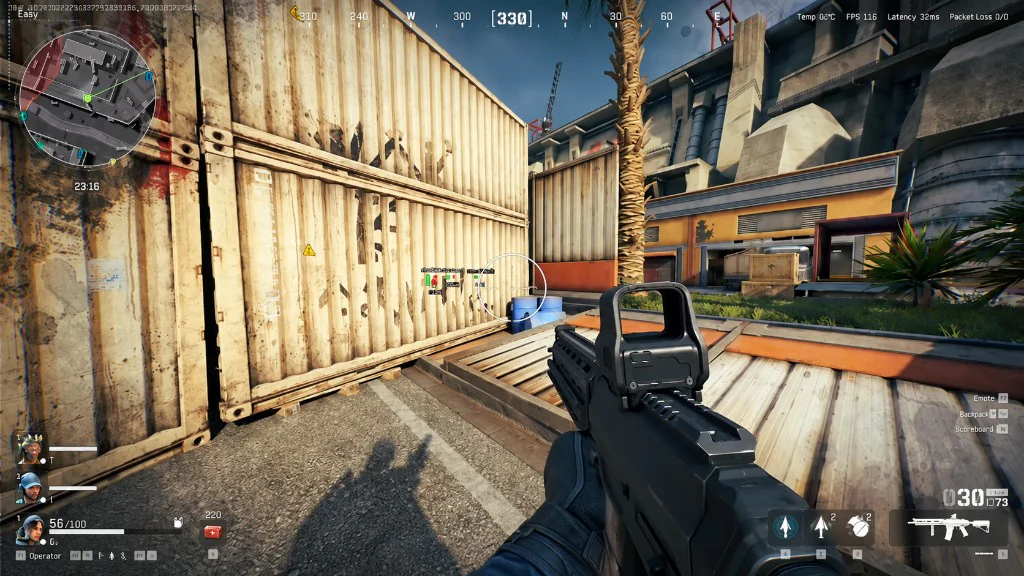
Camera and crosshair
FOV and third person are independent of aimbot FOV draw helpers.
Enable Crosshair is a menu overlay, not a game setting.
Configs and combat mode
Save one profile for scouting with loot filters and another for fights with fewer labels.
Combat Mode Hide Entities trims clutter when you toggle combat mode.
Works well with
Related reading
Delta Force misc options questions
Can I save more than one config?
Yes. The config system stores named profiles.
Does misc include aimbot?
No. Aimbot is its own module.
What does combat mode hide?
You choose which entity types to hide in combat mode, as listed on the product page.
Misc ships with the full menu
One license covers every module. Monthly is $35 for 31 days. Lifetime is $150.
Around the site
Status, checkout, and the guides that sit around this module.